Articles
Step-by-step guides and practical notes on logos, fonts and image files.
 Guide
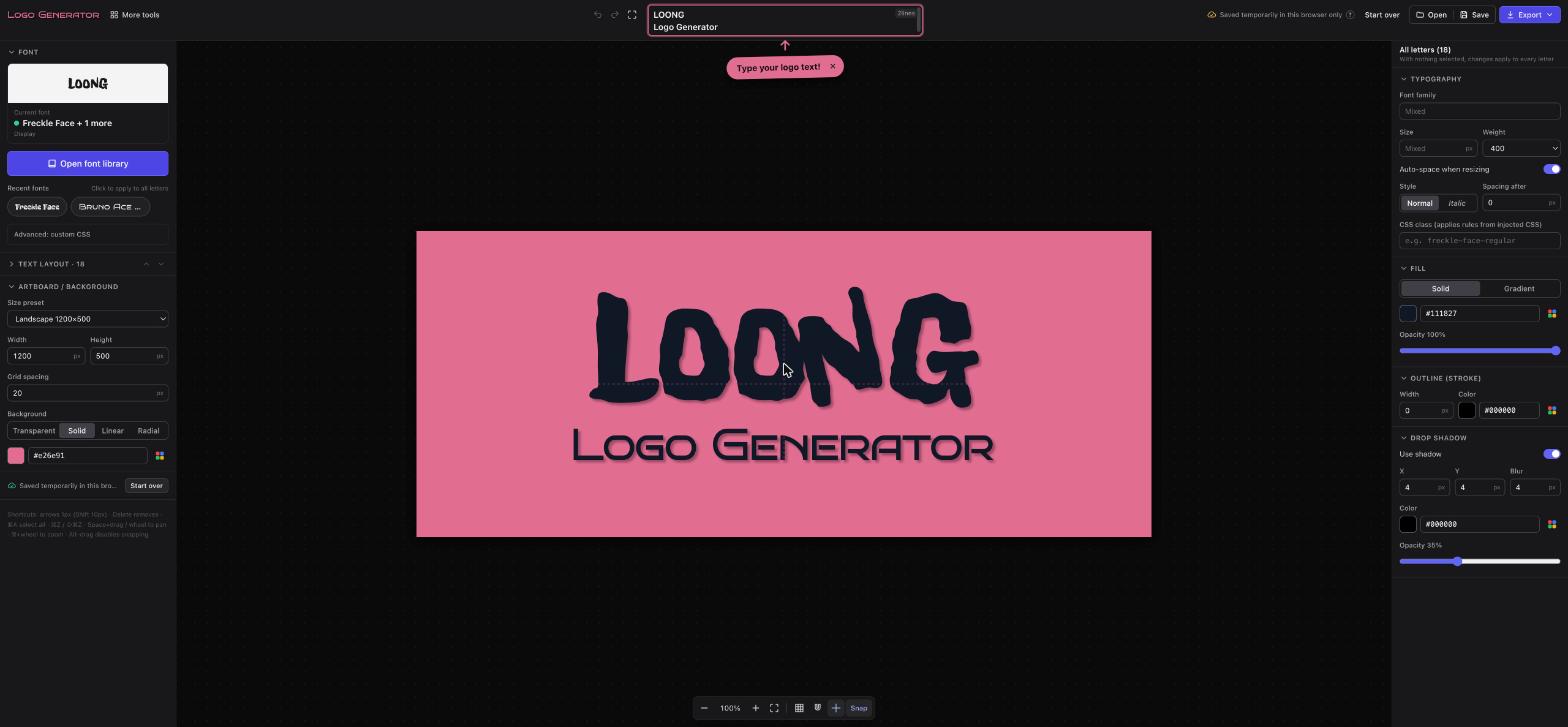
Make a Logo Without Photoshop: Combine Text Freely, Free and Online
You don't need to install or subscribe to Photoshop to make a logo. Combine text freely in your browser: move, rotate and recolor each letter, make a transparent background version, and export SVG and PNG.
November 10, 2026 · 4 min read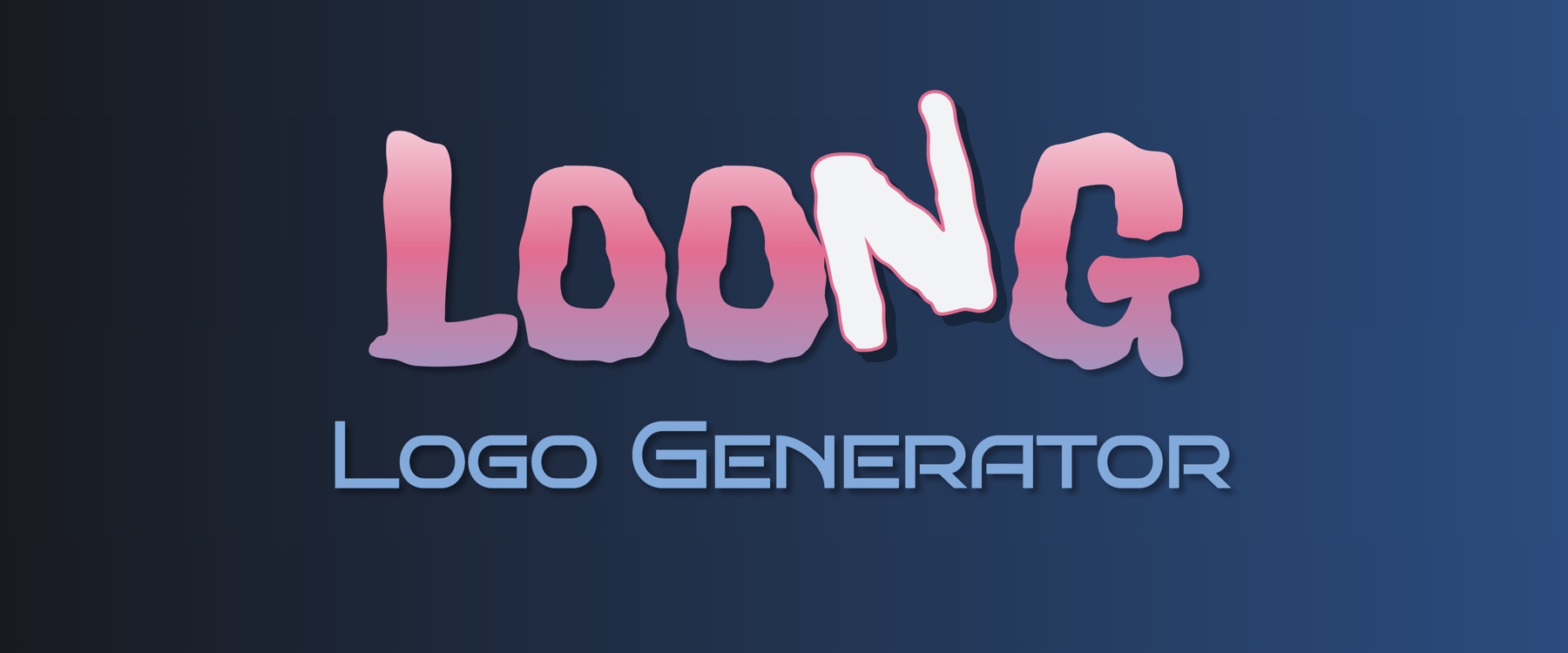 Guide
How to Make a Text Logo in 5 Minutes (Free, No Sign-Up)
A step-by-step guide to making a text logo or wordmark in your browser with Logo Generator: type your name, pick a font, adjust letters, and export SVG or PNG.
November 8, 2026 · 3 min read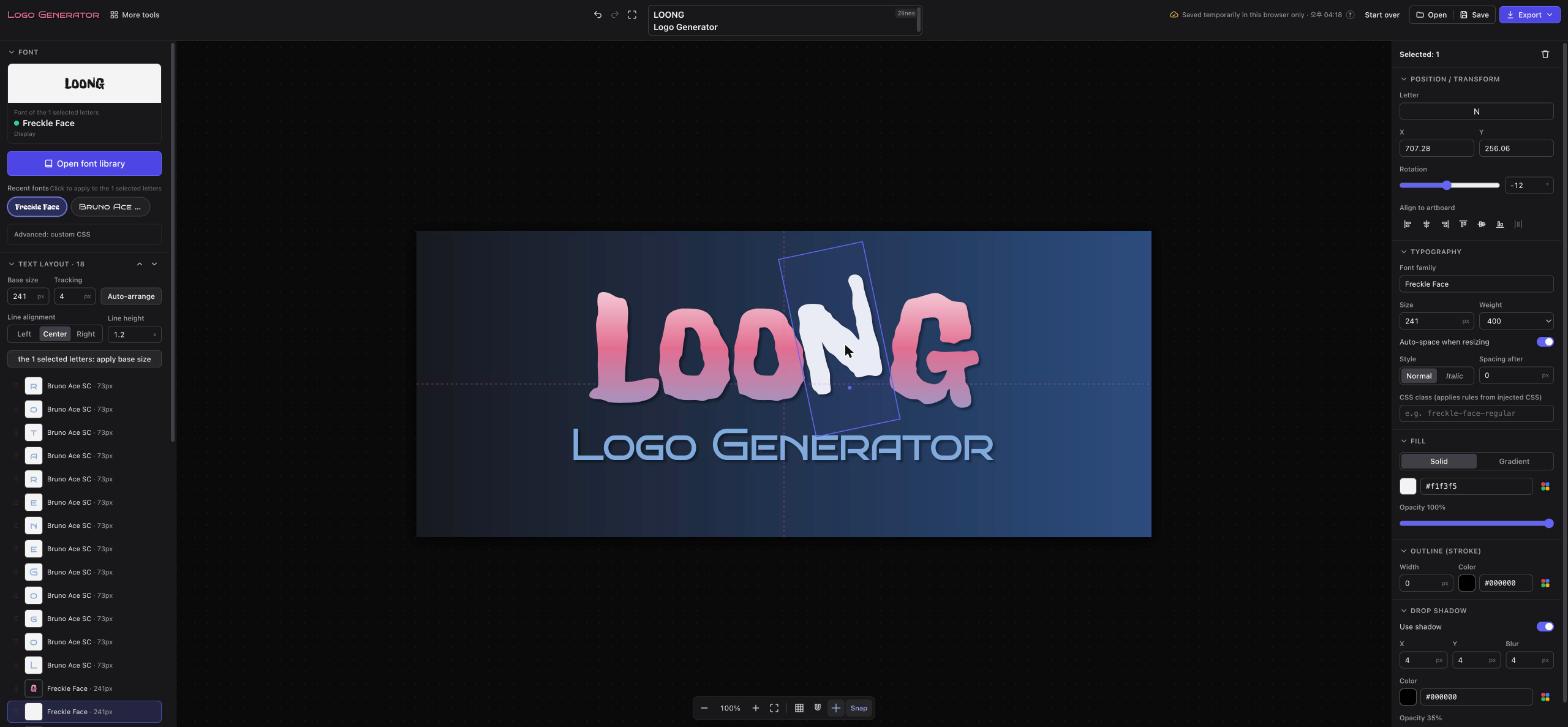 Guide
Move, Rotate and Space Every Letter: Precise Wordmark Editing
Learn how to select, drag, rotate and space individual letters in Logo Generator to give a text logo a custom, hand-tuned look.
November 7, 2026 · 3 min read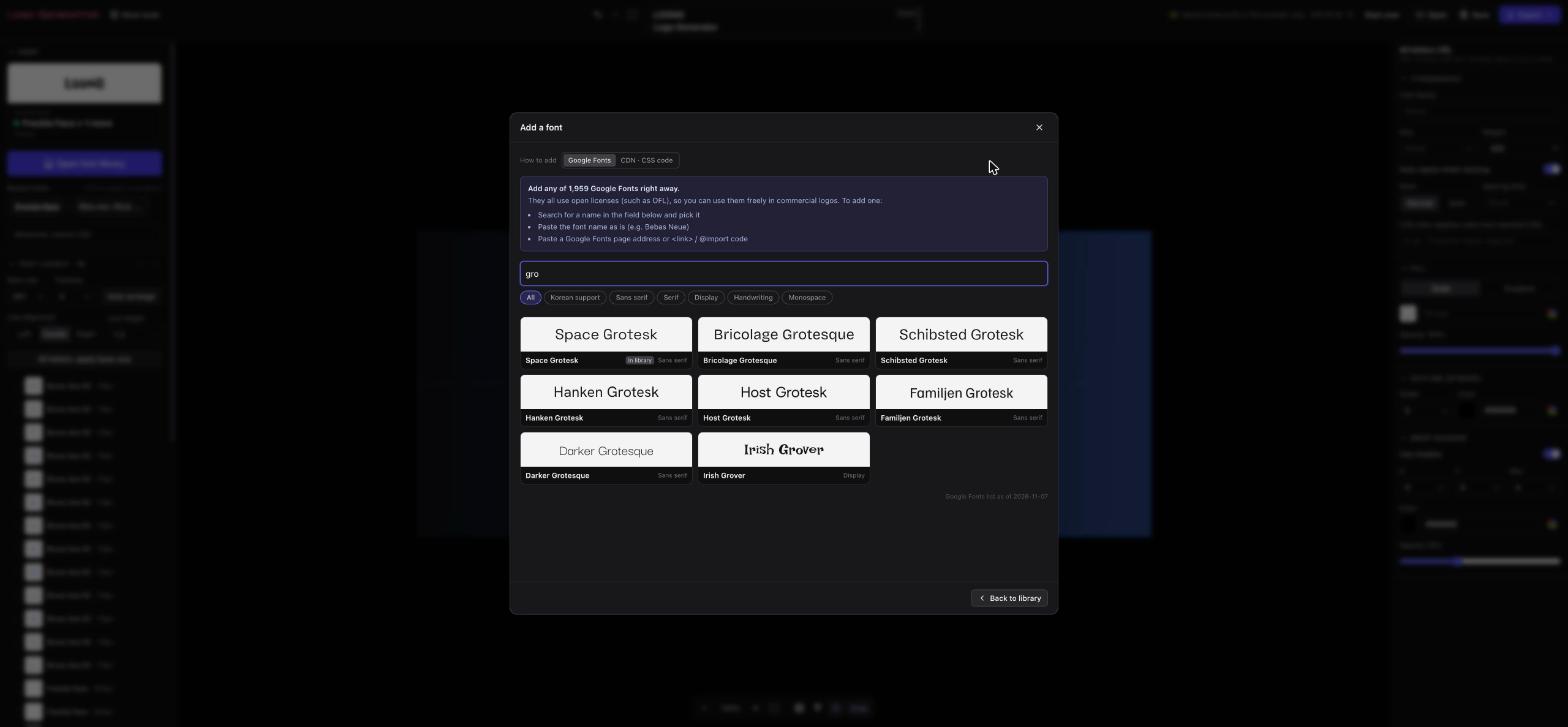 Insight
How to Choose a Font for Your Logo: Free Google Fonts by Mood
A practical guide to picking a logo font: what each font style communicates, free Google Fonts that work well for logos, and how to test them with your own text.
November 6, 2026 · 3 min read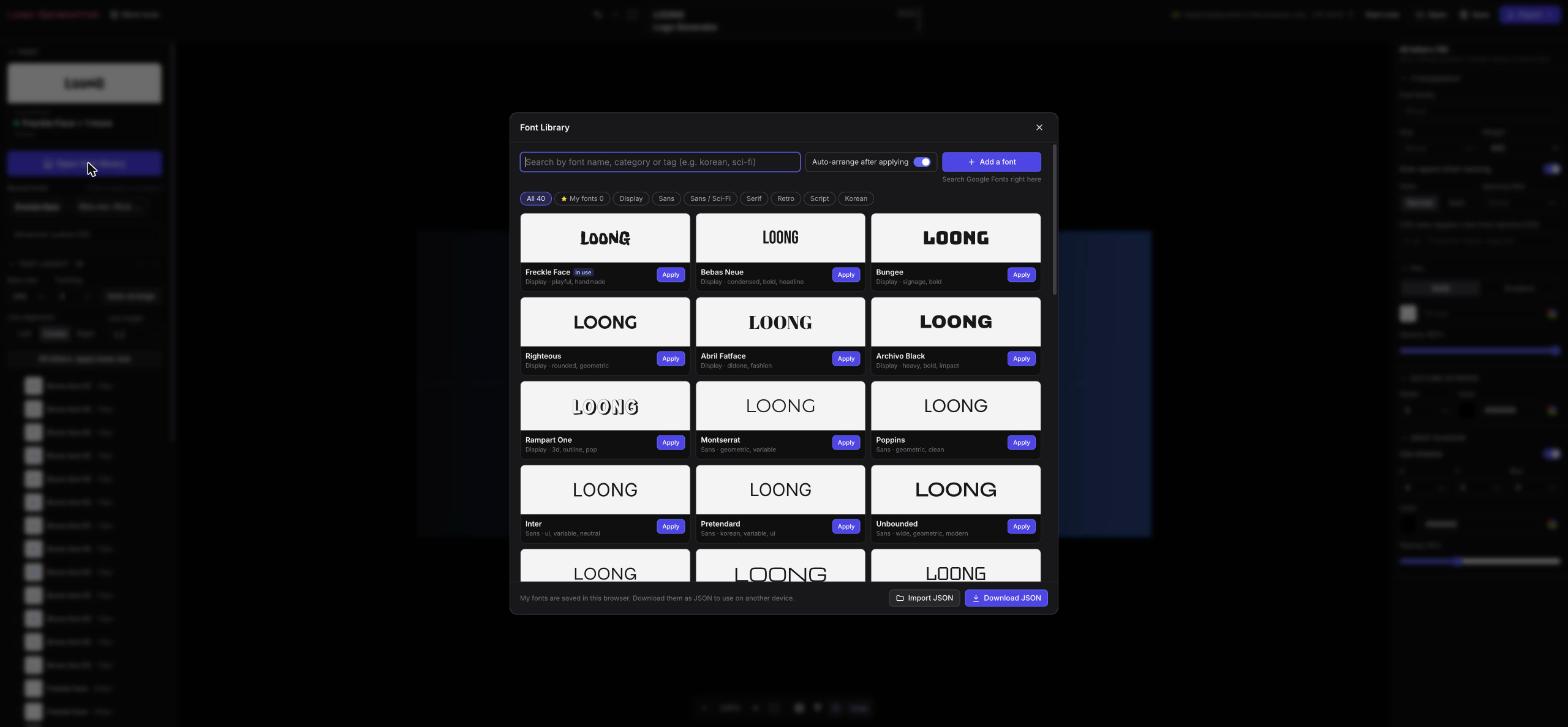 Guide
Work Faster with the Font Library, My Fonts and Recent Fonts
How to use Logo Generator's font library: preview fonts with your own text, add Google Fonts or CDN fonts, keep a personal collection, and reuse recent fonts in one click.
November 5, 2026 · 2 min read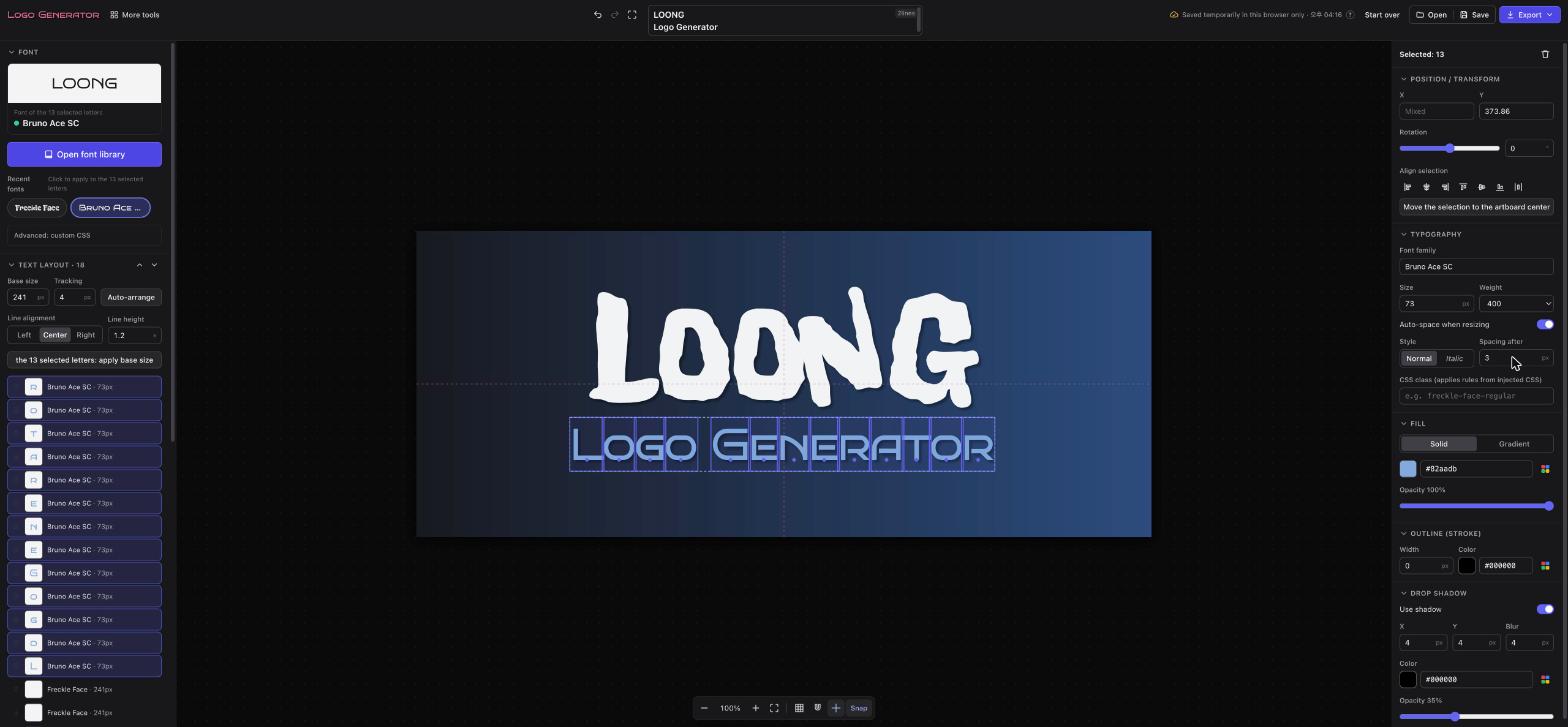 Guide
Two-Line Logos: Pair a Wordmark with a Tagline Using Line Height and Alignment
How to build a stacked logo with a large name and a smaller tagline in Logo Generator: multiple lines, size contrast, font pairing, line height and alignment.
November 4, 2026 · 2 min read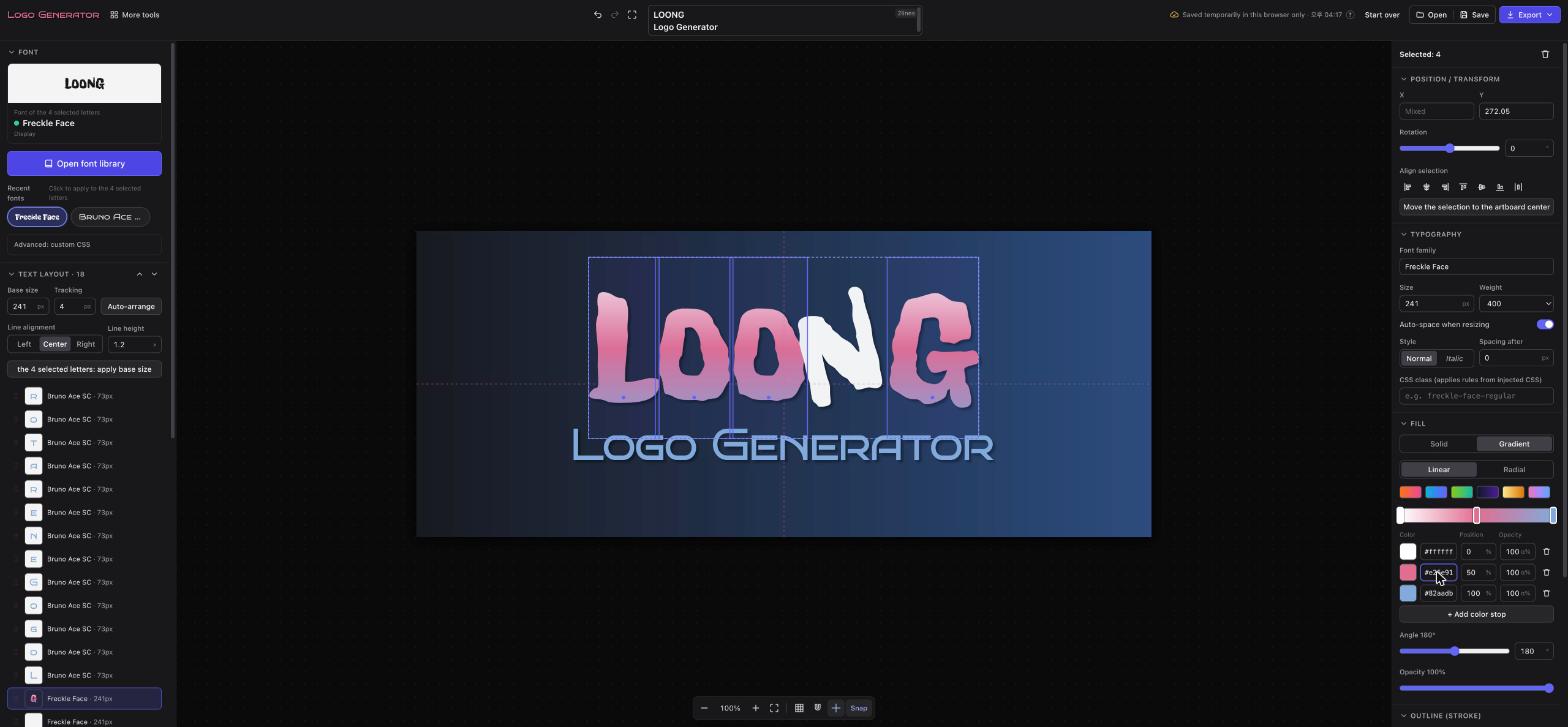 Guide
How to Make a Gradient Logo (Linear, Radial and Multi-Stop)
Add gradient fills to letters and backgrounds in Logo Generator: presets, colour stops, angle, radial gradients, and tips to keep a gradient logo readable.
November 3, 2026 · 2 min read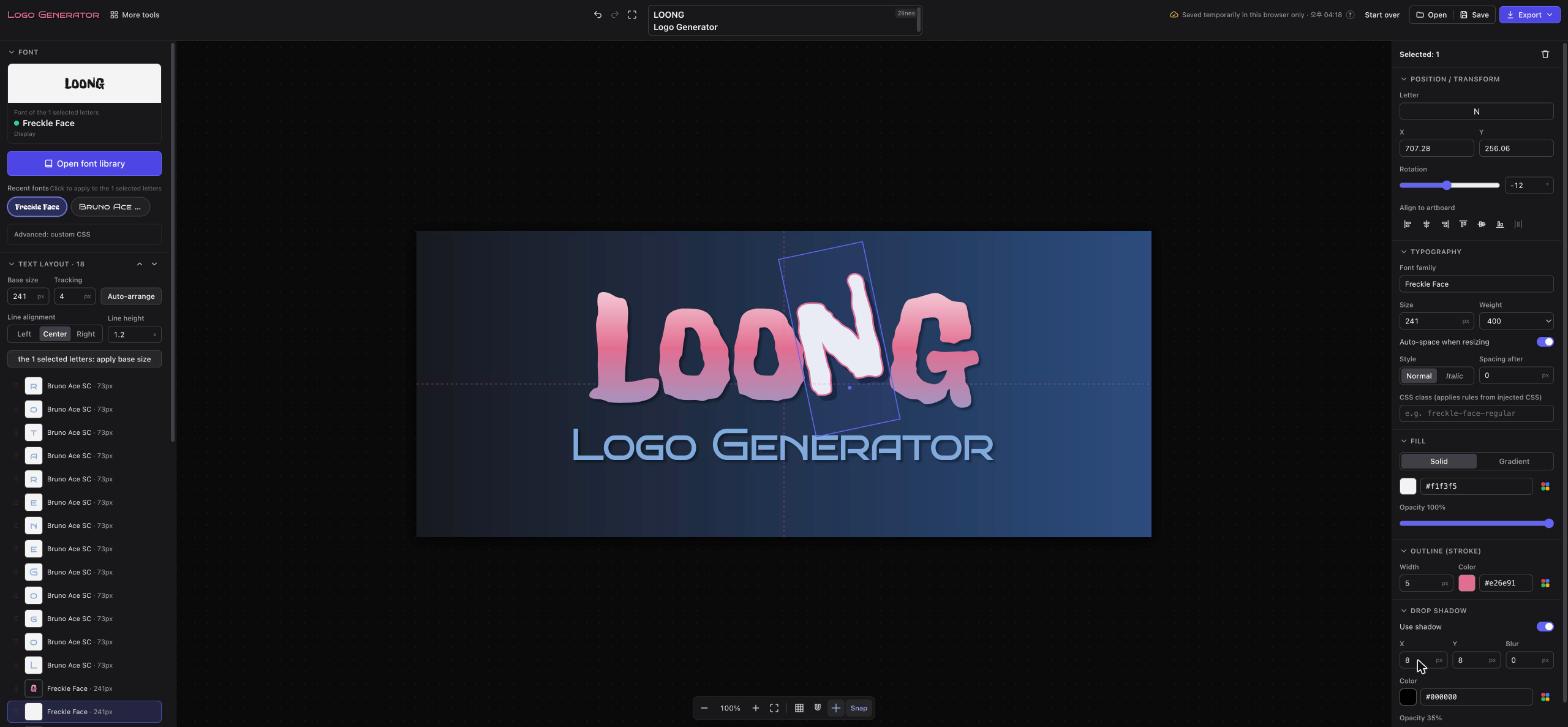 Guide
Add Outlines and Drop Shadows to a Logo (Without Overdoing It)
Use stroke and drop-shadow settings in Logo Generator to add depth to letters: retro offset shadows, soft glows, outline-only text, and when to skip effects.
November 2, 2026 · 2 min read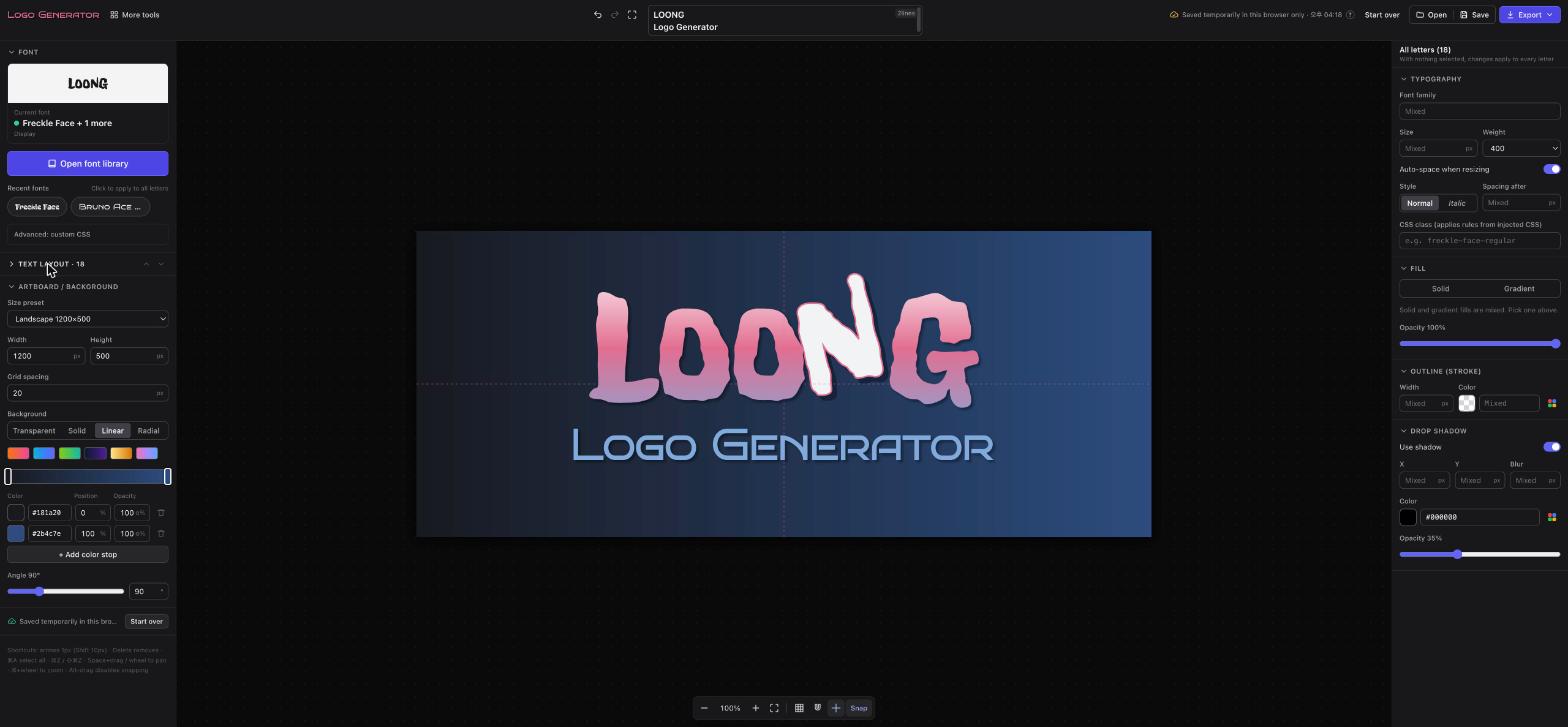 Guide
Logo Backgrounds: When to Use Transparent, Solid or Gradient
A guide to artboard sizes and backgrounds in Logo Generator: transparent vs solid vs gradient, size presets for social and OG images, and exporting with or without background.
November 1, 2026 · 2 min read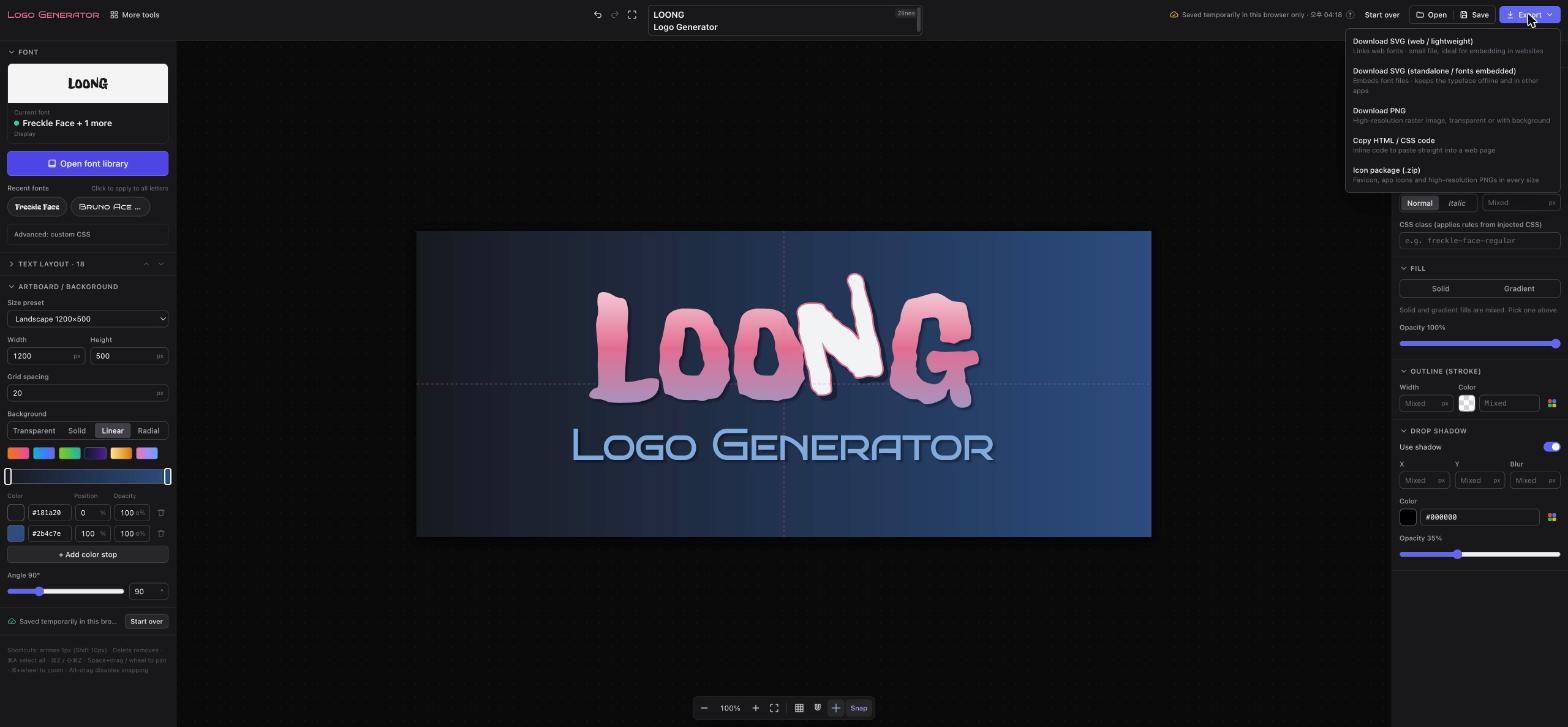 Insight
What File Format Should Your Logo Be? SVG, PNG, ICO, HTML and More
Which logo file to use where: SVG for websites and print, PNG for documents and social, ICO and PNG sizes for favicons, HTML for web embeds, and a project file for edits.
October 31, 2026 · 2 min read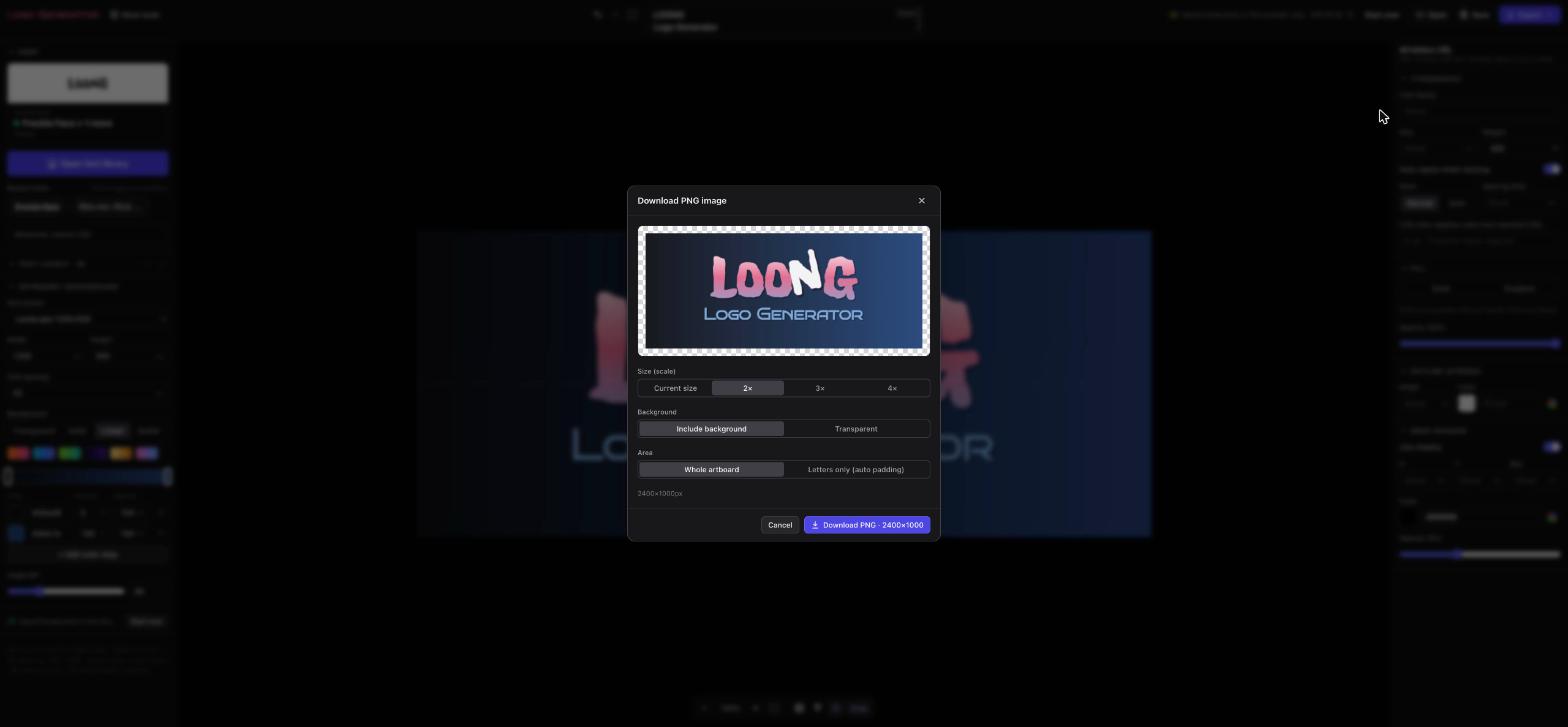 Guide
Export Your Logo: SVG, PNG, HTML Code, Favicon Set and Project File
A complete walkthrough of every export option in Logo Generator: the two SVG types, PNG scale and background settings, inline SVG and HTML/CSS code, the icon package, and saving the project.
October 30, 2026 · 3 min read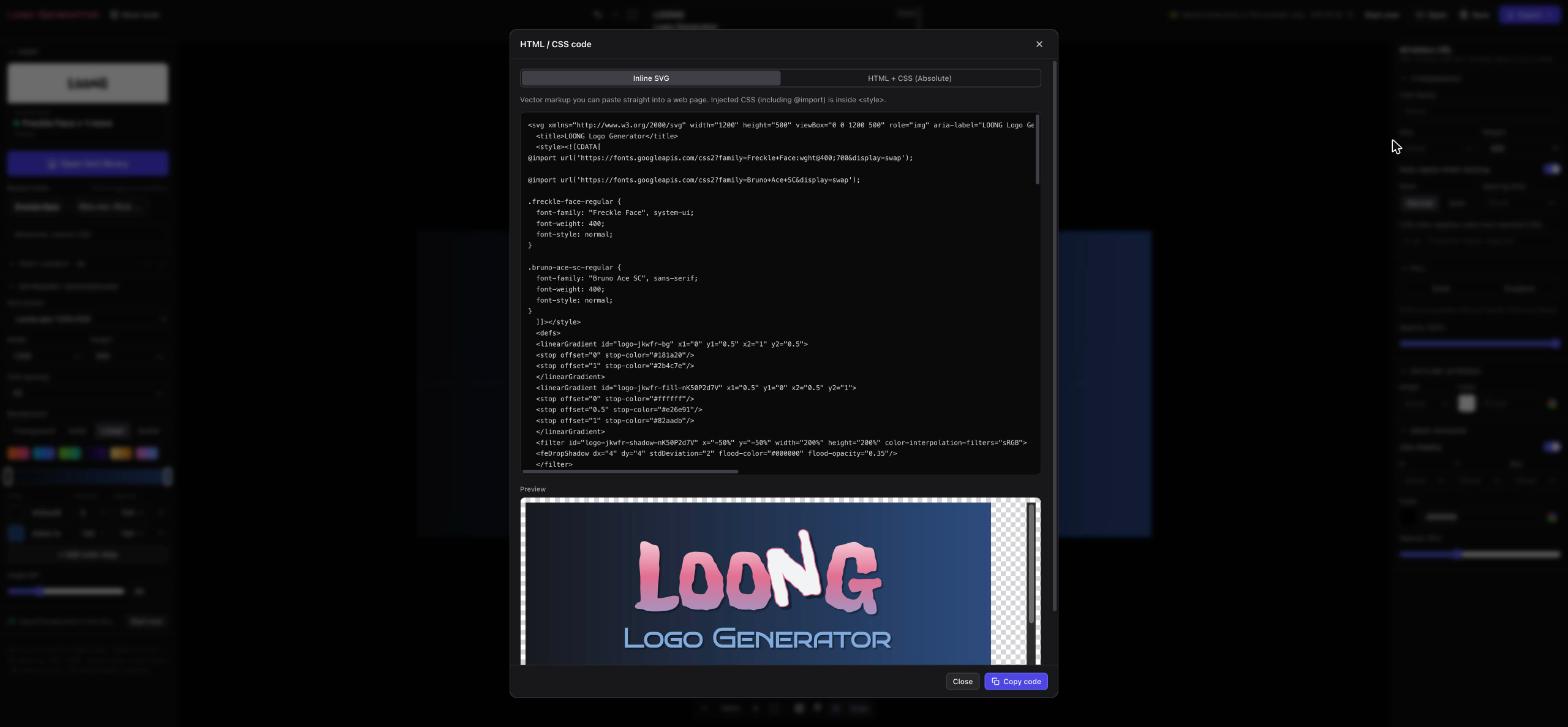 Insight
SVG vs PNG for Logos: Why Vector Wins (and When PNG Is Still Right)
Compare SVG and PNG for logos: sharpness at any size, file size, editability, transparency, browser and app support, and the cases where PNG is the better choice.
October 29, 2026 · 2 min readInsight
Give Your SVG Logo to an AI and Get a Website: Prompts That Work
How to use your SVG logo with AI assistants like ChatGPT, Claude or Gemini to generate a landing page that matches your brand, with copy-paste prompt templates.
October 28, 2026 · 3 min readInsight
Remix Your Logo with AI Using HTML Code: Colour Variations, Banners and Social Images
Export your logo as inline SVG or HTML/CSS and ask an AI to create colour variations, dark-mode versions, banners, social posts and animated headers—without losing the original.
October 27, 2026 · 2 min read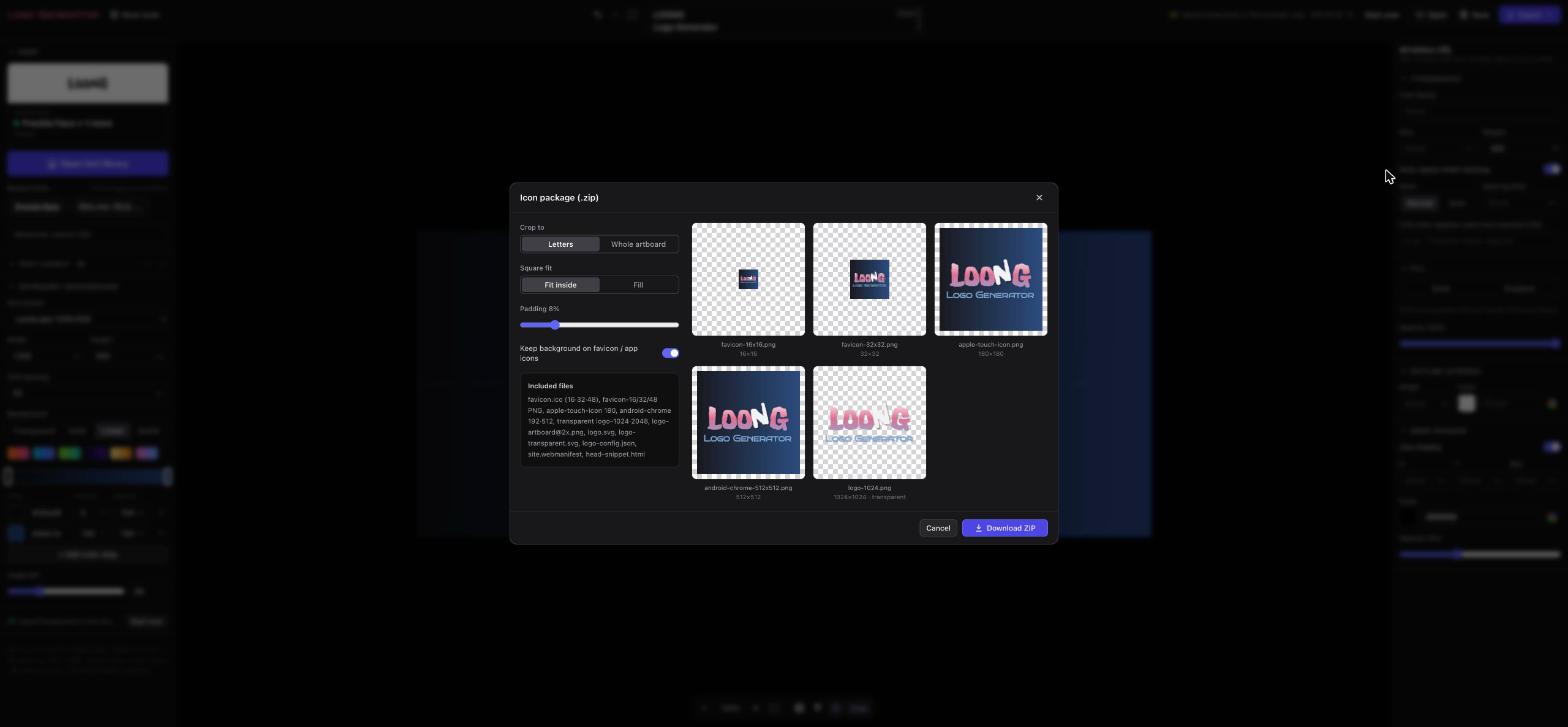 Guide
Make a Complete Favicon Set from Your Logo and Add It to Your Website
Create favicon.ico, PNG favicons, an Apple touch icon, Android icons and a web manifest from your logo in one click, then add them to any website with the included HTML snippet.
October 26, 2026 · 2 min readGuide
Save and Reopen Your Logo Project (and Why Autosave Isn't Enough)
How autosave, the project file (logo-config.json), Open and Start over work in Logo Generator, and a simple routine to never lose a logo design.
October 25, 2026 · 2 min readInsight
Logo Checklist for Founders, Creators and Small Businesses
A practical checklist for making a logo yourself: name and mood, legibility at small sizes, colour versions, the files you need, and where to use them—with free tools for each step.
October 24, 2026 · 2 min readInsight
Logos Made Only of Letters: 8 Styles You Can Build by Moving, Rotating and Recolouring Type
Ideas for text-only logos—offset letters, tilted accents, colour highlights, stacked monograms and more—and how to build each by moving individual letters in a free logo generator.
October 23, 2026 · 2 min read InsightWhy MoreClearPNG Was Built, and Tips for Better Results
The problem MoreClearPNG solves, its main features, and settings that work well for solid-background assets.
February 15, 2026 · 1 min read GuideHow to Use MoreClearPNG: A Step-by-Step Guide
Step-by-step guide to removing solid color backgrounds from images with MoreClearPNG. Learn about sensitivity, edge smoothing, and padding settings.
February 15, 2026 · 3 min read