Logo Checklist for Founders, Creators and Small Businesses
Key takeaways
- A good first logo is simple, legible at 16px and works in one colour.
- Prepare light and dark versions and a small-size mark.
- Ship a file package - SVG, PNG, favicons and the editable project file.
You don't need a big budget to have a solid logo. Many successful brands launched with a simple wordmark and refined it later. What matters is that the first version is clear, consistent and available in the right files. Use this checklist before you launch.
1. Foundations
- The name is final, including spelling and capitalisation.
- You searched it: domain, social handles, existing businesses and trademarks in your field.
- Three brand words describe the mood (e.g. "friendly, local, fresh").
- You looked at competitors to avoid accidentally copying the category's most common style.
2. Design basics
- One or two fonts maximum. See choosing a logo font.
- One or two colours, plus black and white.
- Even spacing, especially between round and straight letters. See editing individual letters.
- No trendy effects you'll regret in a year—outlines and shadows only where they help.
3. Legibility tests
- Readable at 32px tall (social avatars) and 16px (favicon)—or you have a simplified mark for those sizes.
- Works in one colour (black on white, white on black).
- Readable on photos and busy backgrounds, or you have a version with a solid background.
- Still recognisable when printed in greyscale.
4. Versions to create
- Primary logo (full wordmark, with tagline if you have one).
- Compact logo (name only, or a one-letter mark).
- Dark and light colour versions.
- Square version for profile pictures and app icons.
The two-line logo guide shows how to build primary and compact versions from one project.
5. Files to ship
- SVG (web) and SVG (fonts embedded).
- Transparent PNG at 2× and 4×.
- Square PNG with background.
- Favicon set (ICO, PNGs, Apple and Android icons, manifest).
- The editable project file.
Which logo file format to use explains each one.
6. Where to put it
- Website header and favicon.
- Social profiles (avatar and cover image).
- Email signature.
- Invoices, quotes and documents.
- Link previews (Open Graph image, 1200×630).
- Packaging, stickers or signage, if relevant.
7. Write it down
- A one-page brand note: fonts, hex colours, minimum size, clear space, do's and don'ts.
- A shared folder with all files, so teammates and partners never use a screenshot.
Free tools for each step
- Make the logo: Logo Generator—fonts, letter-level editing, gradients, exports and favicons in one place.
- Have only a PNG? Convert it to vector with EdgeCleaner (To SVG).
- Need a transparent version of a flat image? Remove a solid background with MoreClearPNG.
Start with step one, and you'll have a launch-ready logo kit in an afternoon.
FAQ
Should I hire a designer or make the logo myself?
For a new project, a clean DIY text logo is often enough to launch. As the business grows, a designer can refine it—and your project file and brand notes give them a head start.
Do I need to trademark my logo?
It depends on your market and country. At minimum, search existing trademarks and businesses with similar names before committing. This isn't legal advice.
How often should a logo change?
Rarely. Small refinements over the years are normal; complete redesigns cost recognition. Get the basics right now and evolve slowly.
Keep reading
 Insight
How to Choose a Font for Your Logo: Free Google Fonts by Mood
A practical guide to picking a logo font: what each font style communicates, free Google Fonts that work well for logos, and how to test them with your own text.
November 6, 2026 · 3 min read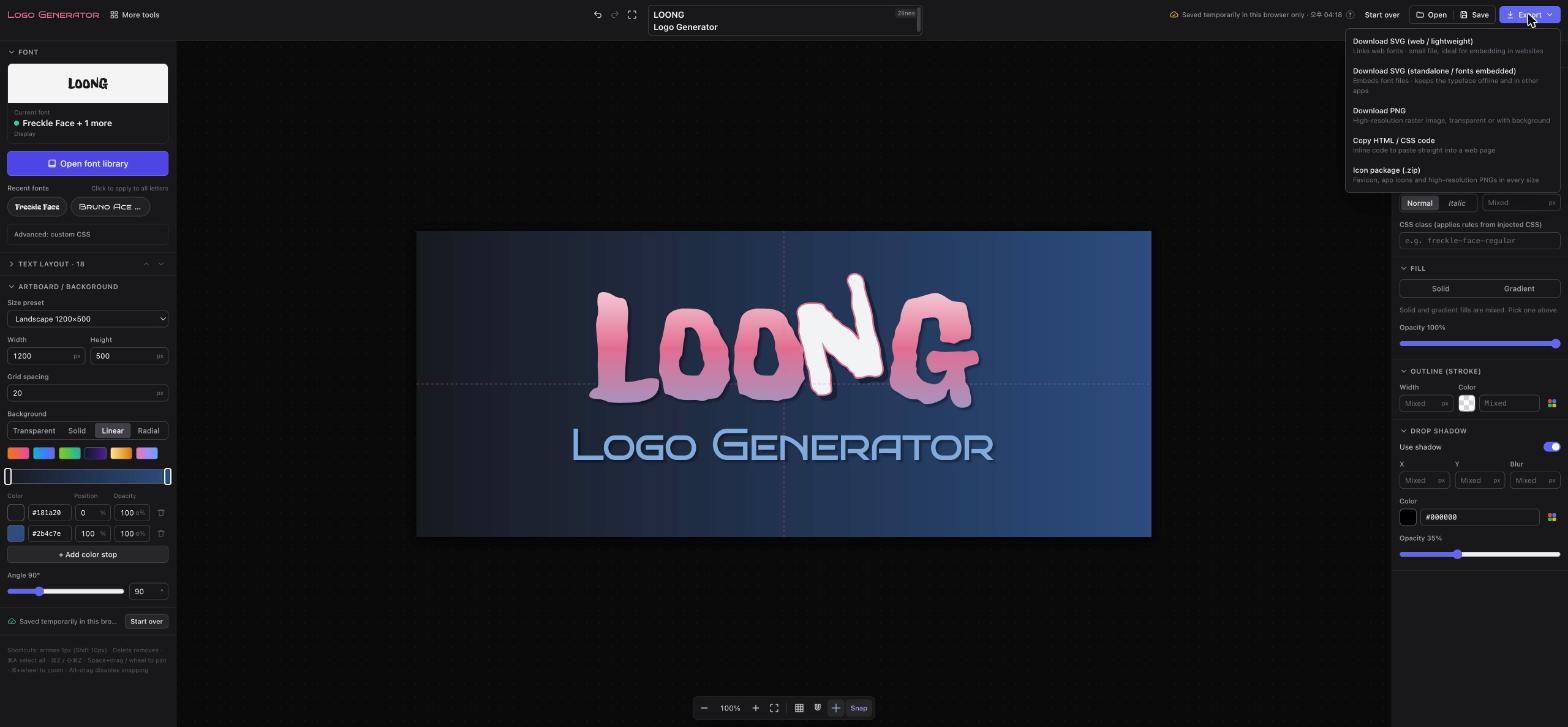 Insight
What File Format Should Your Logo Be? SVG, PNG, ICO, HTML and More
Which logo file to use where: SVG for websites and print, PNG for documents and social, ICO and PNG sizes for favicons, HTML for web embeds, and a project file for edits.
October 31, 2026 · 2 min read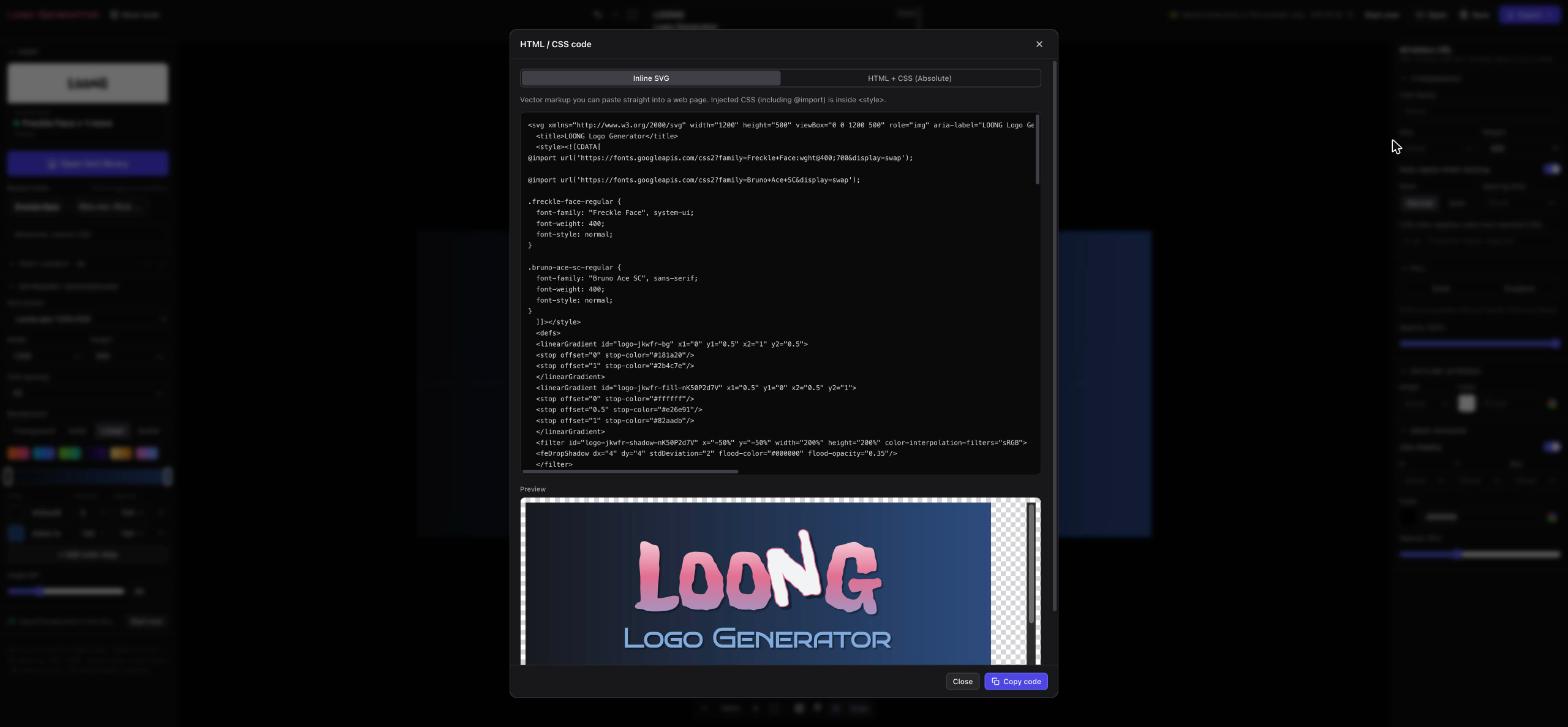 Insight
SVG vs PNG for Logos: Why Vector Wins (and When PNG Is Still Right)
Compare SVG and PNG for logos: sharpness at any size, file size, editability, transparency, browser and app support, and the cases where PNG is the better choice.
October 29, 2026 · 2 min read