Save and Reopen Your Logo Project (and Why Autosave Isn't Enough)
Key takeaways
- Logo Generator autosaves in your browser, but that copy is temporary.
- Save downloads logo-config.json - your editable source file.
- Open loads a project file on any device; Start over resets (and ⌘Z can undo it).
Design files have a way of disappearing right when you need to change something—new tagline, new colour, a version for a dark background. In Logo Generator, the fix is one button. Here's how saving works and a routine to keep your logo safe.
Autosave: convenient but temporary
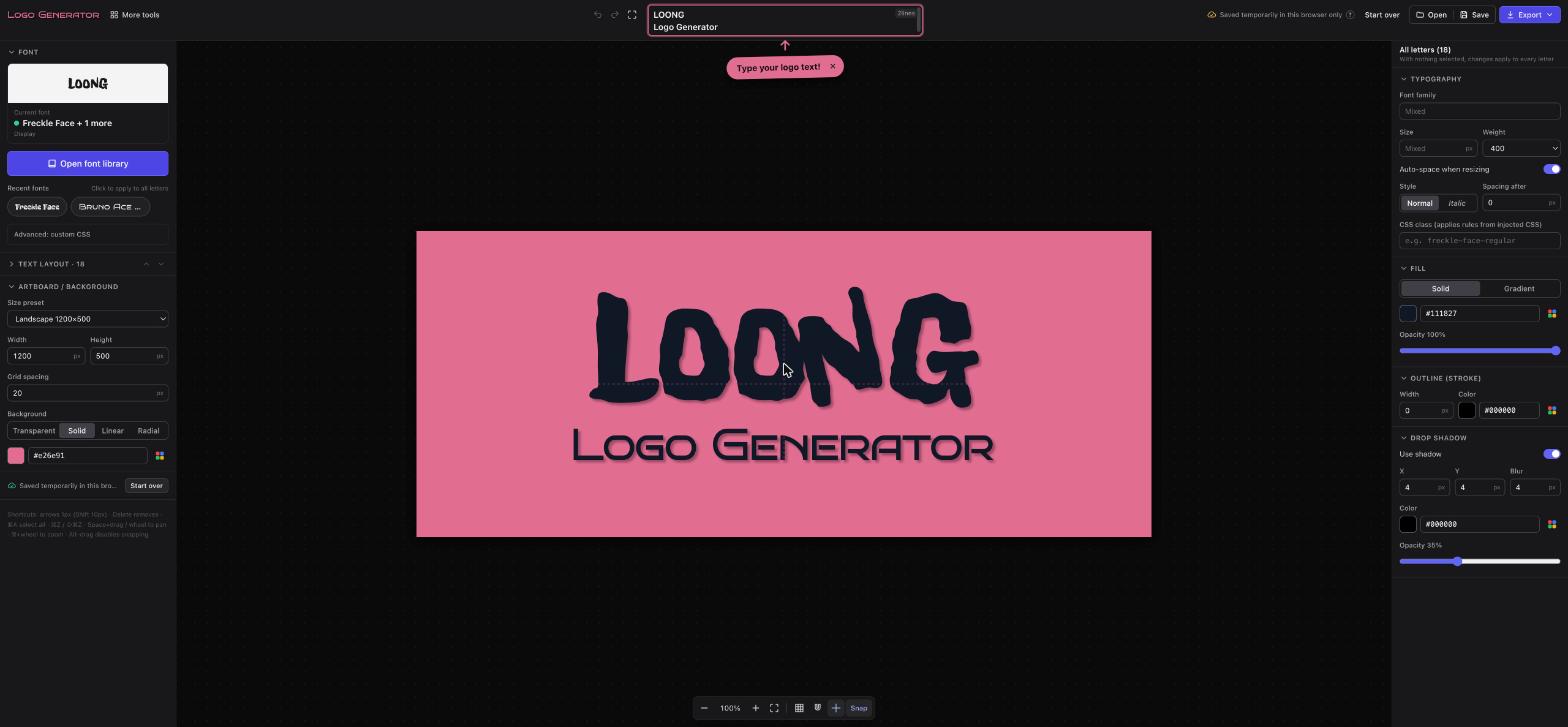
As you work, the editor saves automatically. The status in the top bar reads "Saved temporarily in this browser only", and the tooltip explains why that matters:
- Clearing browsing history or site data removes it.
- Private windows don't keep it.
- Other browsers and devices can't see it.
Autosave protects you from closing a tab by accident. It's not a backup.
Save: your source file
Click Save in the top bar to download logo-config.json. This is your logo's source file—the equivalent of a .ai or .fig file. It stores:
- the text and every letter's position, size, rotation and styles,
- fills, gradients, outlines and shadows,
- background and artboard size,
- the fonts used, so they reload when you open the file.
It's a small text file, easy to email or keep in cloud storage.
Open: continue anywhere
Click Open and choose a logo-config.json. The logo appears exactly as saved, on any computer or browser. This is also how you hand a logo to a teammate or designer for edits.
Open and Save sit in the top bar next to Export. The autosave status is just to their left.
Start over
Start over clears the current work and returns to the starting sample. You'll be asked to confirm, and if it was a mistake, ⌘Z brings your work back.
Undo and redo
⌘Z undoes and ⇧⌘Z redoes (Ctrl on Windows). Typing and dragging are grouped into single steps, so one undo reverses one action rather than one keystroke.
A routine that never loses work
- Save at milestones: after choosing the font, after colours, before exporting.
- Name versions: rename downloads to
logo-v1.json,logo-v2-dark.json. - Keep the project with the exports in one folder—see building a logo package.
- Back up My fonts too: if you added fonts, download them as JSON from the font library.
Bonus: the icon package includes the project
The Icon package (.zip) also contains logo-config.json, so if you've exported icons, you already have a copy of the source. Details in the export guide.
FAQ
Where is my work stored if I don't click Save?
In this browser's local storage. Clearing site data, using a private window, or switching to another browser or device means it won't be there.
What's inside logo-config.json?
Your text, every letter's position, size, rotation and style, the background, the artboard size and the fonts used. It contains no images, so it's tiny.
Can I edit a logo someone else made?
Yes, if they send you their logo-config.json. Click Open and select it. Fonts referenced in the file are loaded automatically.
Keep reading
Guide
Make a Logo Without Photoshop: Combine Text Freely, Free and Online
You don't need to install or subscribe to Photoshop to make a logo. Combine text freely in your browser: move, rotate and recolor each letter, make a transparent background version, and export SVG and PNG.
November 10, 2026 · 4 min read Guide
How to Make a Text Logo in 5 Minutes (Free, No Sign-Up)
A step-by-step guide to making a text logo or wordmark in your browser with Logo Generator: type your name, pick a font, adjust letters, and export SVG or PNG.
November 8, 2026 · 3 min read Guide
Move, Rotate and Space Every Letter: Precise Wordmark Editing
Learn how to select, drag, rotate and space individual letters in Logo Generator to give a text logo a custom, hand-tuned look.
November 7, 2026 · 3 min read